
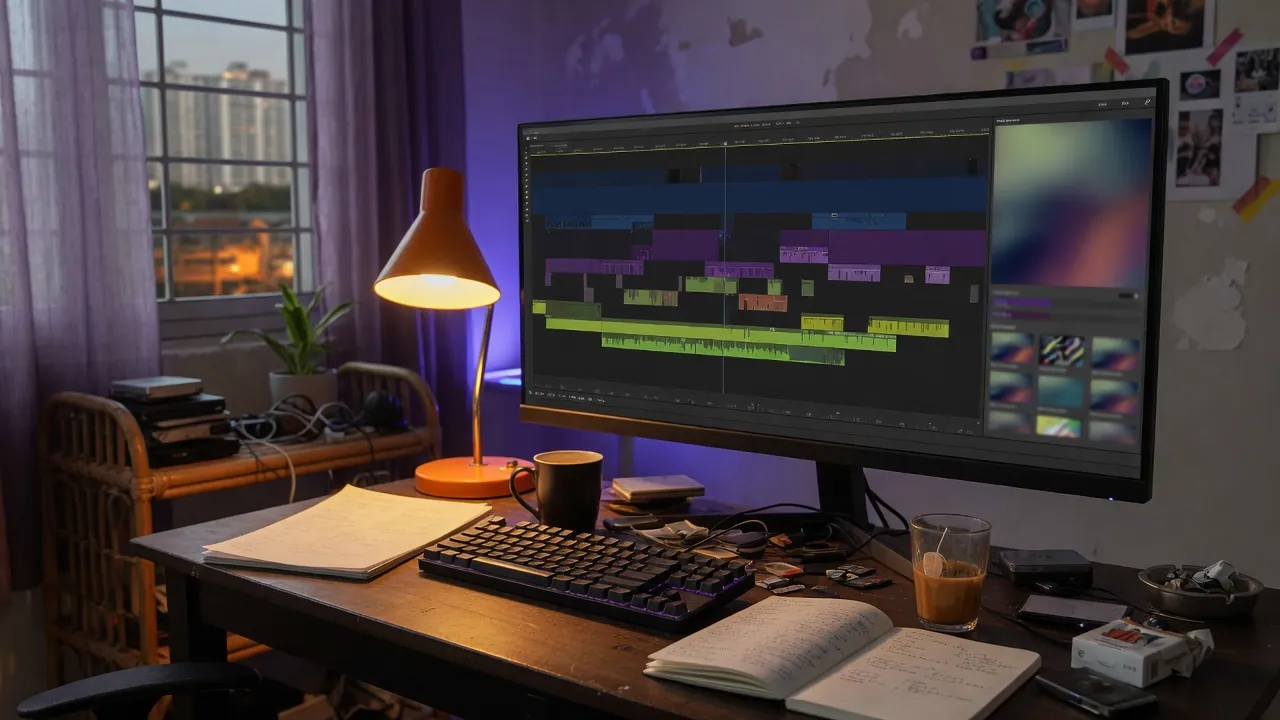
Adobe now generates video, sound effects, and music inside Premiere's timeline. OpenAI shut the Sora web and iOS app on 26 April 2026, then shut the Sora API on 24 September 2026. For editors in Southeast Asia who used a standalone generator for B-roll, the generation surface is now the NLE itself. That is a tool change, not a platform labeling change.
What actually shipped in Premiere's Generative Media tool?
On 8 September 2026, ahead of IBC 2026, Adobe published Generate and create directly in your timeline with new AI-powered innovations in Premiere and After Effects. The headline feature is the Generative Media tool. You select Generative Media, mark where the result should sit on the timeline, and describe what you need. Adobe says the clips are context-aware and fully editable. You do not bounce to a second app, export a clip, then drop it back in.
Model choice is explicit. Adobe lists Firefly plus partner models Google Veo, Kling, Runway, and Luma. Generate Video can fill timeline gaps using reference frames sampled from the project, so new footage is meant to match the surrounding edit rather than a generic stock look.
Audio is part of the same pass. Generate Sound Effects uses a commercially safe audio model; Adobe says you can use your voice to guide rhythm, timing, and intensity. Generate Soundscape, in beta, analyzes up to 15 seconds of video and returns timed ambience. Generate Music, also in beta, writes original music with tempo and looping, commercially safe, with synchronization rights across any type of media.
The same post also put Enhance Audio, Separate Crosstalk, and the AI Assistant for After Effects into public beta. Color tools and Frame.io Mounted Storage shipped in that note. They sit beside the timeline generate surface; they are not the surface.
That is a lot of surface. The structural change is one sentence: generation is a timeline operation.
For a team cutting Bahasa product videos, model choice is not a taste setting. Firefly is Adobe's own stack; Veo, Kling, Runway, and Luma are named partners. A photoreal Jakarta street will look different across those models, and the rights language may differ. Open the license for the model you selected that day before a paid campaign.
Is Sora really gone, or just the app?
It is gone as a product you can open.
OpenAI's help article What to know about the Sora discontinuation states that the Sora web and app were discontinued on 26 April 2026, and that the Sora API was discontinued on 24 September 2026. The same page tells remaining users to export from sora.chatgpt.com/sunset, wait for an email when the export is ready, and treat that as urgent. After discontinuation and any final export window, OpenAI says Sora-associated data is permanently deleted. Unused credits can still be applied to Codex. Refunds go through ChatGPT subscription help.
The older launch post for Sora 2, Sora 2, now carries a banner: as of 26 April 2026, the Sora product is no longer available. That page is a historical record of an iOS social app, characters, sora.com, and API plans. It is not a place to generate B-roll this week.
If a Jakarta editor still has a folder of Sora clips, those files exist only if they were exported. The generator, the social feed, and the API endpoint are closed. Treat leftover Sora footage as a finite archive, not a workflow.
Does generating in the timeline fix B-roll, or create a rights mess?
It fixes the bounce. It does not erase provenance.
The old path for many short-form teams in Indonesia was: write in a doc, generate B-roll in a consumer video app, download, import, cut. That path now ends in two places. Consumer Sora is gone. Premiere's Generative Media tool is designed so you never leave the sequence.
Adobe's commercially safe language on Generate Sound Effects and Generate Music is about Adobe's own licensing, including synchronization rights for the music tool. Partner video models Veo, Kling, Runway, and Luma are listed by name. The 8 September post is not a single rights table for every partner. Read the license for the model you pick before you send a client a photoreal Jakarta street or a face that looks like a real person.
YouTube, Instagram, and TikTok still require disclosure when realistic generated media is undeclared. Timeline generation does not skip the upload form. If Premiere writes credentials into a fully generated clip, a platform can keep a label on. The editor is now the generator, so the disclosure checklist belongs next to the timeline.
The edit advantage is matching. Reference frames from the project are meant to keep generated inserts in the same light and framing as the surrounding shots. That is useful for a product demo shot in a Bandung kitchen: fill a two-second gap with a matching insert rather than a generic stock pan. It is a poor substitute for a shot you could have taken with a phone in the same room.
What about Premiere on Android if I edit on a phone in Southeast Asia?
On 22 September 2026 Adobe published Adobe Premiere expands to Android. Premiere for mobile, which shipped on iPhone last year, is now on Android. Adobe lists it as free, for Android 13 or later, with at least 5 GB of RAM, on the Play Store as com.adobe.premiere.
The mobile app is not a full copy of the desktop Generative Media tool. Adobe lists Firefly-powered Generative Fill, Image-to-Video, and Generate Sound Effects, plus Enhance Audio, frame-accurate editing, a multi-track timeline, templates, Adobe Stock, and 4K export. Adobe says there are no forced login or upgrade prompts, no ads, and no watermark. Extra generative credits and storage are paid upgrades.
Coming later, according to that post: Adobe Fonts, captions, keyframes, cropping, beat detection, and continued editing on Premiere desktop. If your weekly workflow is shoot on an Android phone in Jakarta, generate a fill on the train, and finish on a laptop at night, that last item is the one to watch. It is promised, not listed as shipping on 22 September.
Android 13 plus 5 GB of RAM is a real floor. Plenty of working phones in Indonesia meet it. Plenty of older devices used as second cameras do not. Free, no watermark, and no ads is Adobe's claim for the listing. Test on the phone you actually shoot with.
How should a creator in Southeast Asia actually work this week?
Stop treating a dead Sora tab as a B-roll source. If you still have unexported Sora projects, use the sunset export now. After that window, OpenAI says the data is gone.
On desktop Premiere, try Generative Media on a gap you would otherwise fill with stock. Pick one model, generate into the timeline, and judge the insert against the surrounding shots. If you use Generate Music or Generate Sound Effects, keep Adobe's commercially-safe claim in the client notes, and keep the model name next to the clip.
On Android, install Premiere only if the phone is Android 13 with enough RAM. Use Generative Fill and Image-to-Video as mobile inserts, not as a replacement for a shoot. Do not wait for captions and keyframes if you need them this week; they are still on the coming-soon list.
Keep the platform disclosure step. A clip generated in Premiere is still generated media when it looks like a real event or a real person. The timeline does not file the YouTube, Instagram, or TikTok form for you.
The practice change is where generation happens. Standalone consumer video apps are being absorbed into the editor or shut down. The editor is now the place you describe a shot. That only pays if the sequence still has a point of view a model cannot invent: a person in this city, in this language, who shot the rest of the tape.